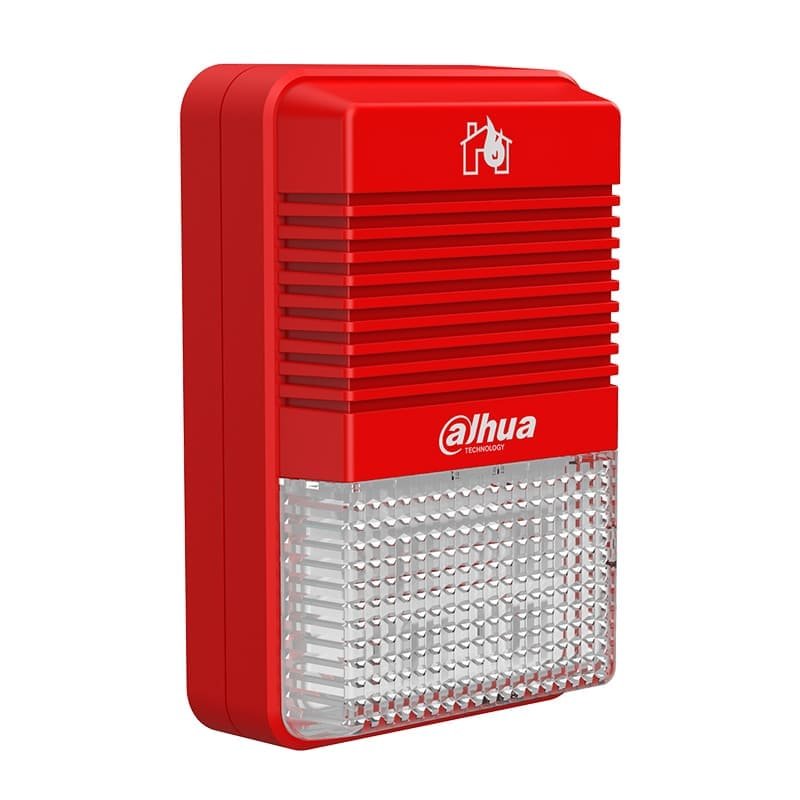
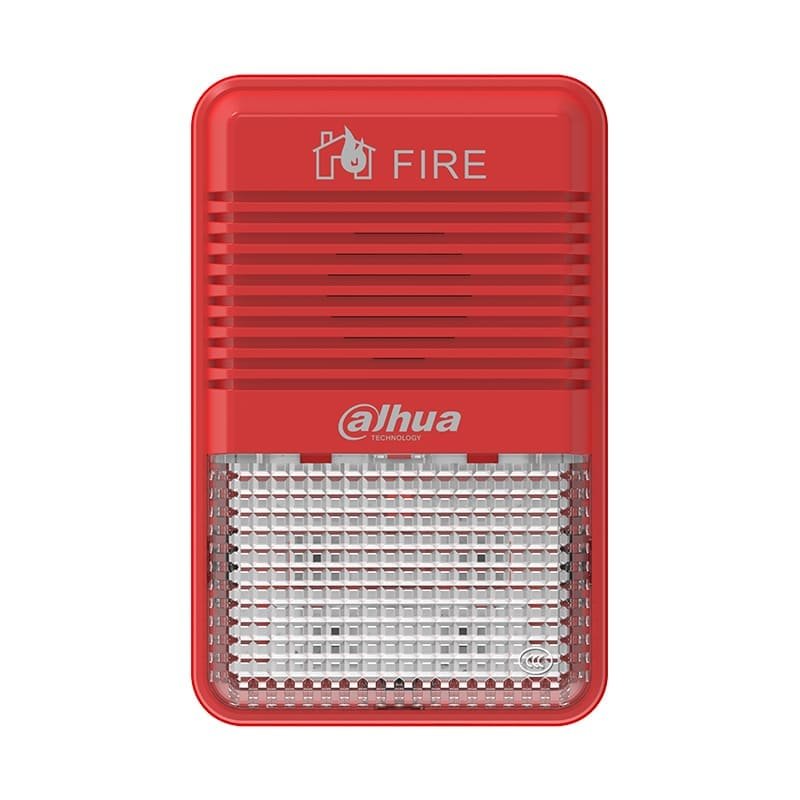
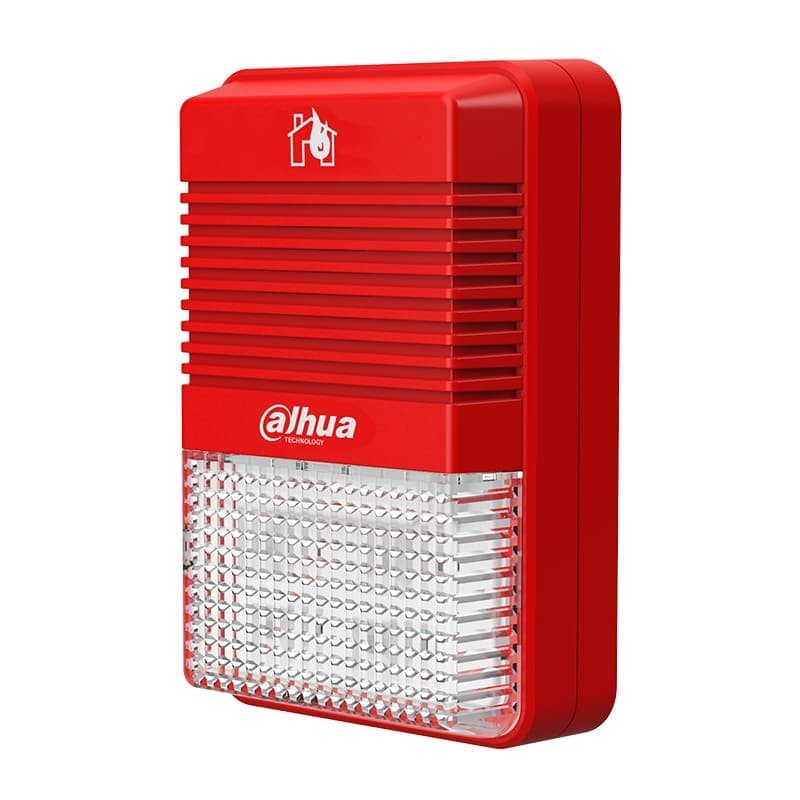

Description
Features
- Convenient wiring: Two-wire, polarity-free
- Reliable communication: Built-in microprocessor, performance is stable
- Ultra-low power consumption: Ultra-low monitoring current and operatingcurrent
- Simple installation: With a plug-in structure, easy to install and construct
Technical Information
| Parameter | Introduction |
| Electrical | |
| Working Voltage | DC 24V |
| Rated Power | 773mW |
| Current | l Monitoring current: 270μA
l Action current: 7mA |
| Communication Wiring | |
| Wiring | Two-wire, polarity-free |
| Addressing Method | Encoder |
| Address Range | 1–254 |
| Alarm Volume | 75 dB–115 dB @ 3 m (A) |
| Modulation Cycle | 4 s–5 s |
| Flash Rate | 1.5Hz–2.0Hz |
| Operation Time | 100 hours at least |
| Communication Distance | 1500 m (4921.26 ft) |
| Environment | |
| Operating Temperature | –10°C to +55°C (+14°F to +131°F) |
| Storage Temperature | –20°C to +65°C (–4°F to +149°F) |
| Operating Humidity | ≤ 95% RH (no condensation) |
| Construction | |
| Color | l Shell: Red
l Lampshade: Clear white |
| Dimensions (with base) | 125 mm × 80 mm × 40 mm (4.92″ × 3.15″ × 1.57″) |
| IP Code | IP21C |
| Weight (with base) | 118 g (0.26 lb) |
| Certification | EN54-3:2014+A1:2019, EN54-23:2010 |
FAQ
| Problem | Solutions |
| The device flashes quickly, and the screen of Fire Alarm Control Panel displays “Add or replace equipment” | While adding or replacing equipment, re-register in the System Debugging menu on the Fire Alarm Control Panel |
| The device flashes quickly, and the screen of Fire Alarm Control Panel displays “LA repeated equipment information” | Contact technical support for advice and take off the wrong coding device, rewrite the code with the encoder, and re-register after installation |
| The screen of Fire Alarm Control Panel displays “Registered device is offline” | Check whether the device is installed in place; if it is installed correctly, check the circuit, measure and
ensure that the voltage of the equipment signal line is between BUS 16V and BUS 28V |
| Start the device on the Fire Alarm Control Panel, the device flashes without beeping | Setting the sound and light alarm mode |
| Start the device on the Fire Alarm Control Panel, the device beeps without flashing |