
Description
1. Features
- Lower cost: this module can greatly reduce the cost of thesolution
- Flexible application: it can be connectedto third-party node devices
- Reliable communication: Built-in microprocessor, stable performance
- Ultra-low power consumption: Ultra-low monitoring current and alarm current
- Simple installation: With a plug-in structure, easy to install and construct
2. Technical Information
| Parameter | Introduction |
| Electrical | |
| Working Voltage | DC 24V |
| Rated Power | 0.04W |
| Current | l Monitoring current: ≤ 180uA
l Operating current: ≥ 10mA (related to adaptor detector) |
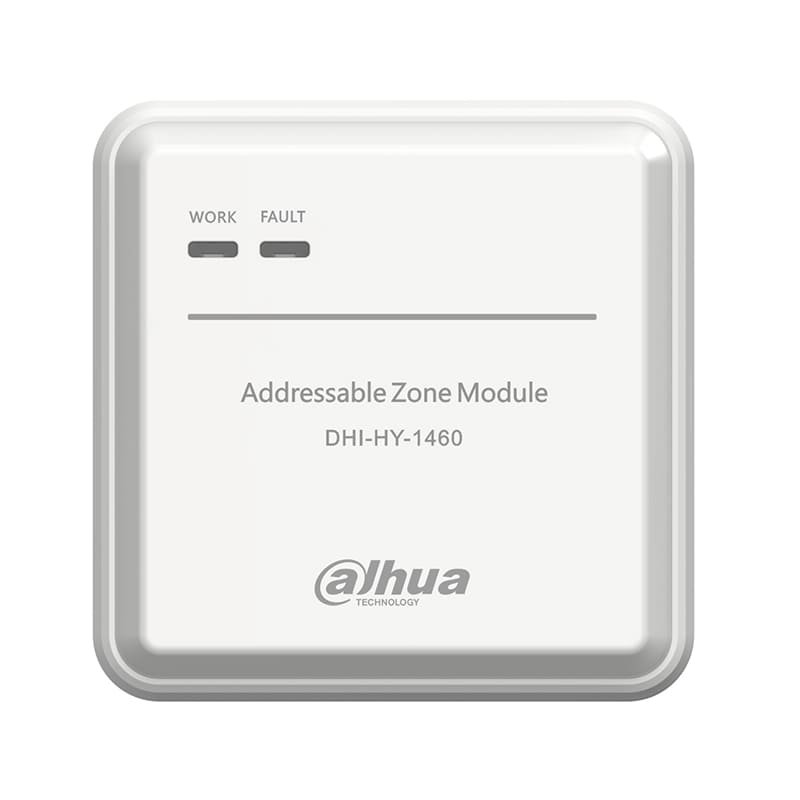
| Indicator | l Fire indicator: After registration, it flashes once every 6 seconds. When there is a fire, the red light is constantly on.
l Fault indicator: When there is an open circuit at the output interface, the yellow light stays on. |
| Load Capacity | l The output static current does not exceed 1.7mA. (25 devices can be connected to a Dahua device) |
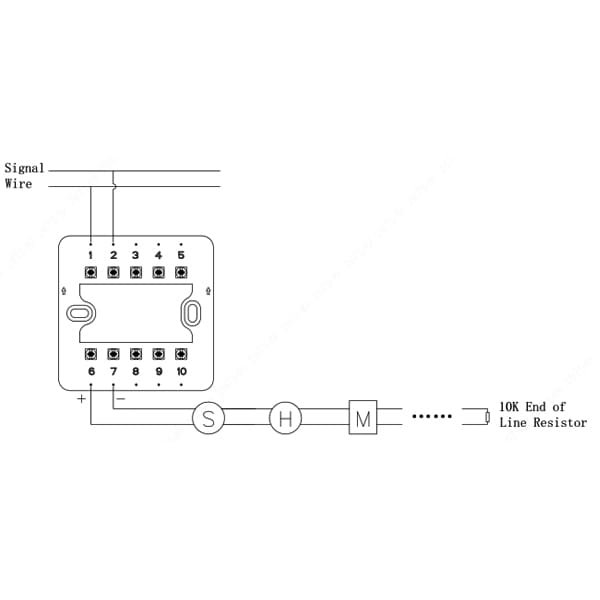
| End of Line Resistor | l 10KΩ |
| Communication Wiring | |
| Wiring | Two-wire, polarity-free |
| Addressing Method | Encoder |
| Address Range | 1–254 |
| Communication Distance | ≤ 1500 m |
| Environment | |
| Operating Temperature | –10°C to +55°C (+14°F to +131°F) |
| Storage Temperature | –20°C to +65°C (–4°F to +149°F) |
| Operating Humidity | ≤ 95% RH (no condensation) |
| Construction | |
| Color | White |
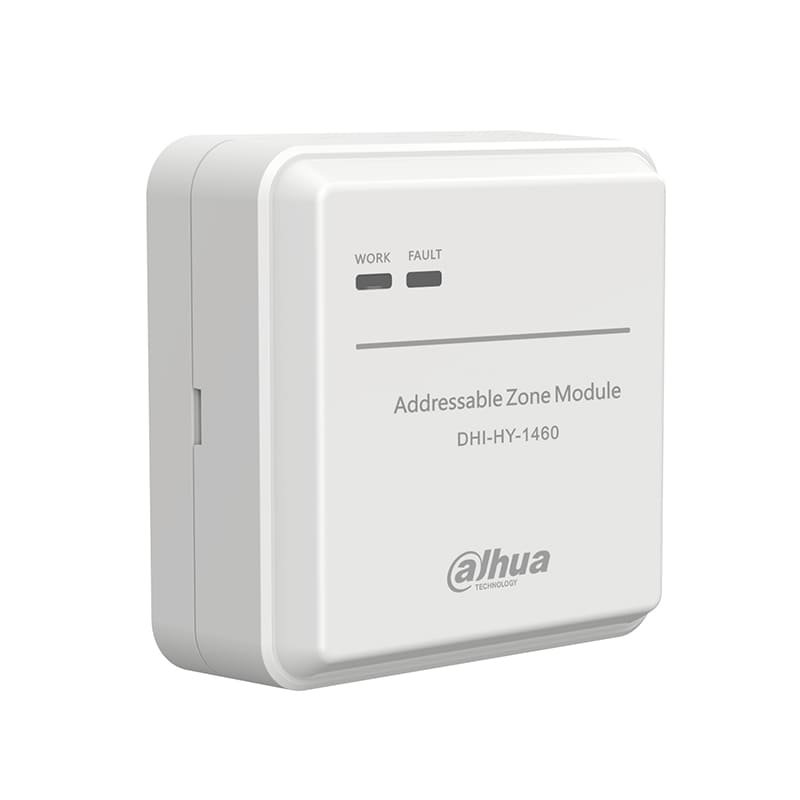
| Dimensions (with base) | 90 mm × 90 mm × 37 mm (3.54″ × 3.54″ × 1.46″) |
| Weight (with base) | 120 g (0.26 lb) |
3. FAQ
| Problem | Solutions |
| Fire Alarm Control Panel displays “Add or replace equipment” | While adding or replacing equipment, re-register in the System Debugging menu on the Fire Alarm Control Panel |
| Fire Alarm Control Panel displays “LA repeated equipment information” | Find and take off the wrong coding device, rewrite the code with the encoder, and re-register on the Fire Alarm Control Panel after installation |
| The fire/fault indicator of the module does not light up, and the screen of Fire Alarm Control Panel displays “Registered device is offline” | Check whether the device is installed in place; if it is installed correctly, check the circuit, measure and ensure that the voltage of the equipment signal line is between BUS 16V and BUS 28V |
| The fault light of the module is on and the host shows ZoneMod output open circuit. | Check if the terminal is connected to a 10k resistor |